

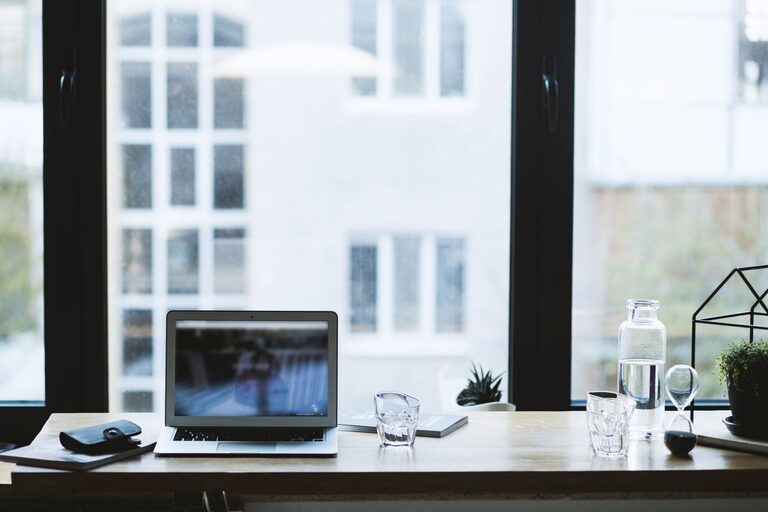
Creating a home office that feels inviting and supports productivity can significantly improve your work-from-home experience. Whether you’re remote full-time or occasionally take work home, having a dedicated space that encourages focus and comfort is key. Here are practical tips to help you design a home office that works for you.
Choose the Right Location
Find a Quiet Spot
Select a space in your home with minimal distractions. Ideally, choose a room or corner away from busy household areas like the kitchen or living room. If space is limited, consider using room dividers or noise-cancelling headphones to maintain focus.
Maximize Natural Light
Natural light can boost mood and energy levels. Place your desk near a window to take advantage of daylight. If natural light is limited, invest in good quality artificial lighting that mimics daylight to reduce eye strain.
Invest in Comfortable Furniture
Ergonomic Chair and Desk
Choose a chair that supports good posture with adjustable height and backrest options. The desk should be the right height so your arms rest comfortably while typing. Comfort helps prevent fatigue during long work sessions.
Consider Standing Options
A sit-stand desk can be a great addition, allowing you to alternate between sitting and standing throughout the day. This can improve circulation and reduce the health risks of prolonged sitting.
Organize for Efficiency
Declutter Regularly
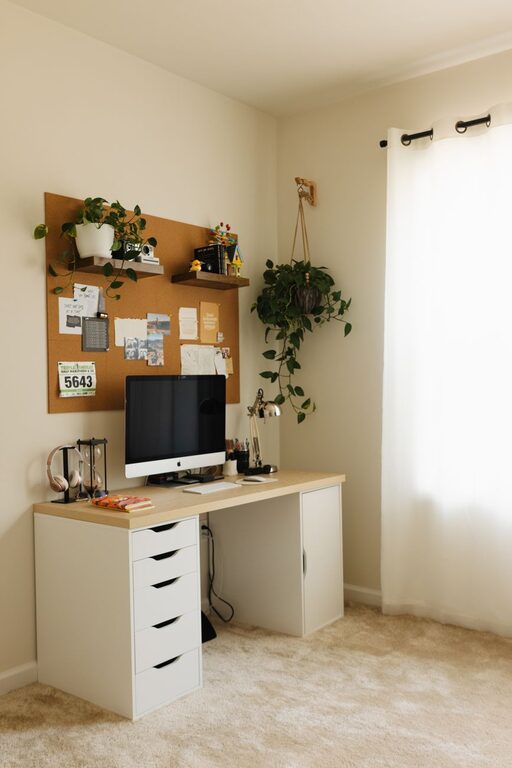
A tidy workspace helps reduce stress and increases focus. Keep only essential items on your desk and store other materials in drawers or shelves.
Use Smart Storage Solutions
Use organizers, file holders, and shelves to keep your supplies and documents in order. Label files and containers so everything is easy to find.
Personalize Your Space
Add Inspiring Décor
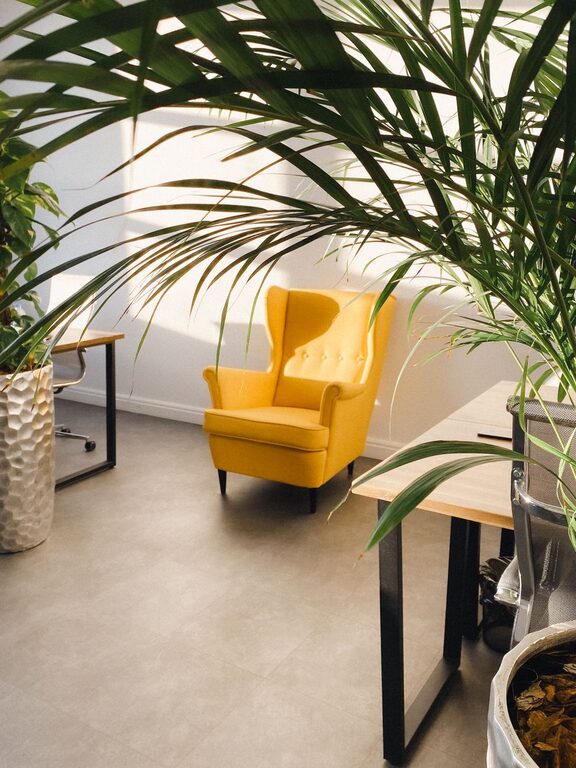
Personal touches like artwork, plants, or motivational quotes can make your home office feel welcoming. Plants also improve air quality and add a calming natural element.
Use a Color Scheme You Like
Choose paint or decor colors that promote concentration and calmness. Soft blues, greens, and neutrals are popular for workspaces as they help reduce anxiety.
Manage Technology Wisely
Set Up Reliable Equipment
Make sure your computer, printer, and internet connection are all dependable. Uninterrupted technology helps maintain productivity and reduces frustration.
Organize Cables Neatly
Use cable management tools to keep cords untangled and out of sight. This prevents clutter and accidental disconnections.
Maintain a Healthy Routine
Schedule Breaks
Take short breaks every hour to stretch, move around, and rest your eyes. This helps maintain energy and reduces strain.
Create a Start and End Ritual
Having a clear routine for starting and ending your workday helps maintain work-life balance, especially when working from home.
Optimize Sound Environment
Control Noise Levels
If external noise is an issue, use noise-cancelling headphones, white noise machines, or soundproofing materials to create a quieter work environment.
Choose Calming Sounds
Some people prefer soft background music or nature sounds to improve focus. Experiment to find what works best for you.
Keep It Flexible
Adaptable Layout
Design your workspace so it can easily be rearranged if needed. Flexibility is useful if you share the space or want a change in scenery.
Multi-Purpose Use
If space is limited, consider furniture that can be folded away or doubled as storage when not in use.
—
By thoughtfully setting up your home office, you not only make your workdays more productive but also create a space where you enjoy spending time. Remember, the most effective home office is one that fits your personal needs and work style. Take time to experiment with these tips and adjust your space as you go along to find what works best for you.