

Creating a cozy and functional home office space can transform the way you work from home. A well-designed office improves focus, minimizes distractions, and makes your day more enjoyable. Whether you have a dedicated room or a small corner, you can create a comfortable workspace that meets your needs. Here are some practical tips to help you design a home office that feels inviting and supports your productivity.
Choose the Right Location
Finding the perfect spot for your home office is the first step. Consider these factors:
– Natural light: Select a space near a window if possible. Natural light helps reduce eye strain and boosts mood.
– Noise levels: Pick a quiet area away from high-traffic zones like the kitchen or living room.
– Space availability: Even a small nook can work if organized well.
– Privacy: If you have housemates or family, choose a location where you can focus without interruptions.
Select Comfortable, Supportive Furniture
Your furniture affects both comfort and work efficiency.
– Ergonomic chair: Invest in a chair that supports your back and encourages good posture. Adjustable height and lumbar support make long hours easier.
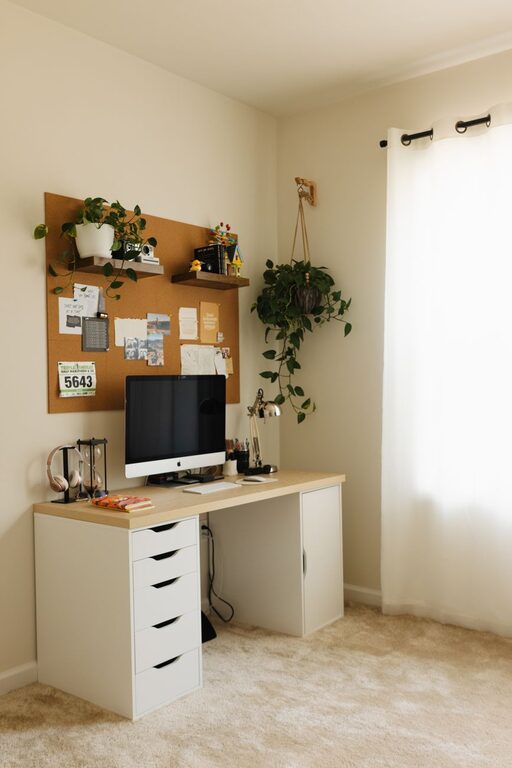
– Desk size: Choose a desk that fits your equipment but doesn’t crowd your space. Consider desks with storage options to keep supplies handy.
– Adjustable furniture: Standing desks or desks with adjustable heights offer flexibility for different working styles.
Optimize Lighting for Productivity
Good lighting reduces eye fatigue and creates a welcoming atmosphere.
– Layered lighting: Combine natural light with overhead lights and task lighting such as desk lamps.
– Warm or neutral bulbs: Choose bulbs that mimic daylight or have a warm tone to protect your eyes.
– Avoid glare: Position screens and lamps to minimize reflections.
Organize with Purpose
A clutter-free workspace helps maintain focus.
– Storage solutions: Use shelves, filing cabinets, or baskets to keep paperwork and supplies organized.
– Desk organizers: Trays, pen holders, and cable management tools keep your workspace tidy.
– Digital organization: Keep your computer desktop and email system well-organized to match your physical space.
Personalize Your Workspace
Adding personal touches makes the space inviting and inspiring.
– Artwork or photos: Hang or place pictures that motivate you or bring joy.
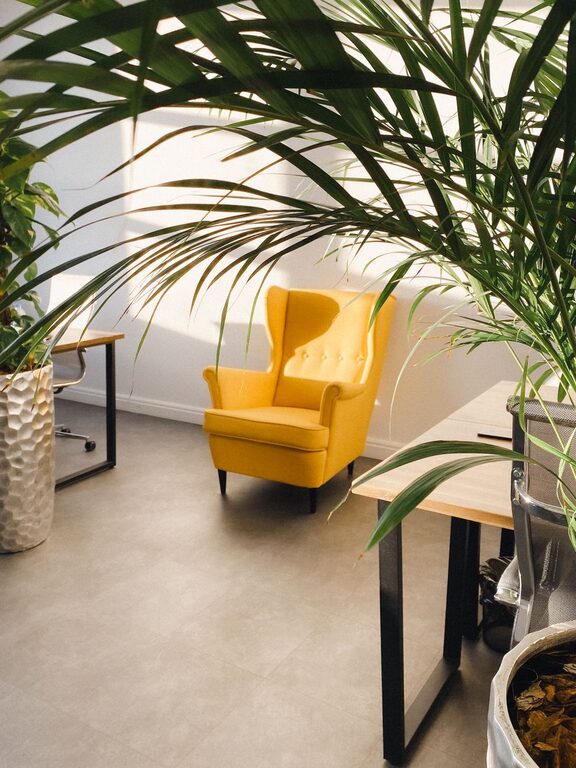
– Plants: Indoor plants improve air quality and add a calming natural element.
– Decor colors: Choose colors that energize or relax you. Soft blues and greens are popular for workspaces.
Manage Technology Efficiently
Technology is essential but can create mess or stress if unmanaged.
– Reliable equipment: Use a good-quality monitor, keyboard, and mouse to prevent strain.
– Cable management: Use clips or cord covers to keep cables neat and out of the way.
– Tech support: Ensure strong Wi-Fi and backup options like chargers or a power strip.
Maintain Comfort Throughout the Day
Comfort helps maintain focus over longer periods.
– Temperature control: Keep your workspace well-ventilated and at a comfortable temperature.
– Take breaks: Set reminders to stand, stretch, or move every hour.
– Add soft elements: Cushioned mats or footrests can reduce fatigue.
Adapt and Evolve Your Space
As your needs change, update your office.
– Seasonal adjustments: Switch lighting and decor based on the season to maintain comfort.
– Test new layouts: Rearrange furniture to find what works best for productivity.
– Declutter regularly: Make it a habit to clean and re-organize your space monthly.
—
Designing a home office that combines coziness with functionality takes time and thought. Start with these tips, and tailor the space to fit your style and work habits. A home office that feels good to be in will naturally encourage focus, creativity, and well-being. Happy decorating!